As Apple’s latest flagship model, Phone 17 is deeply loved by users for its powerful performance and excellent user experience. However, even such advanced devices may encounter white screen issues.
White screen is usually manifested as the screen turning completely white and unable to perform any operations, which may be caused by various reasons such as system failure, hardware damage, or improper operation.
This article will provide a detailed introduction to the repair methods for the white screen of iPhone 17, helping users quickly restore the normal use of the device.
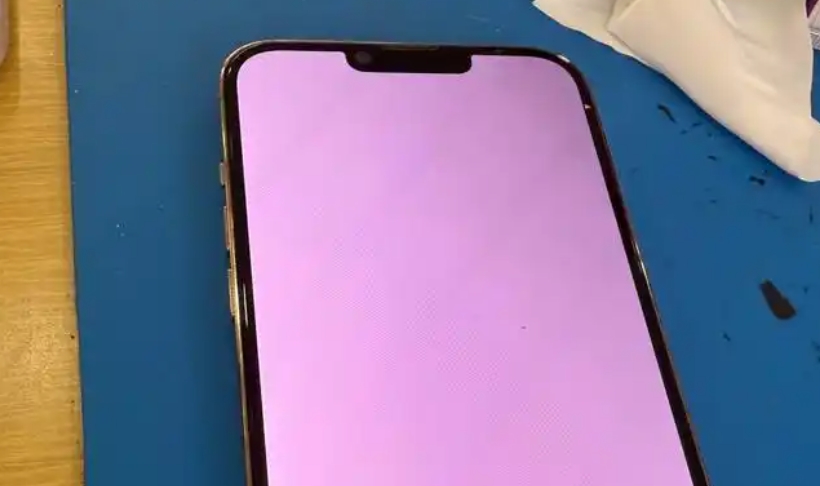
Firstly, force a restart! Quickly press the volume up and down buttons separately, then continue pressing the power button until the iPhone screen goes black and the Apple logo appears again. Release the button and wait for the restart to complete. Forcefully restarting can solve some temporary system failures.
Secondly, check the accessories and environment. Make sure to use the original Apple charging cable and charger, try charging the phone with different cables and chargers, and check if there is dust or debris on the charging port.
In addition, removing any connected peripheral devices such as headphones, battery packs, or Bluetooth speakers can sometimes result in device white screens due to incompatibility with specific accessories. Also, avoid exposing your phone to extreme temperatures, humidity, or static electricity.
